# Resource groups
> [!WARNING]
> This feature is part of the Team & Enterprise plans.
Resource Groups allow organizations to enforce fine-grained access control to their repositories.
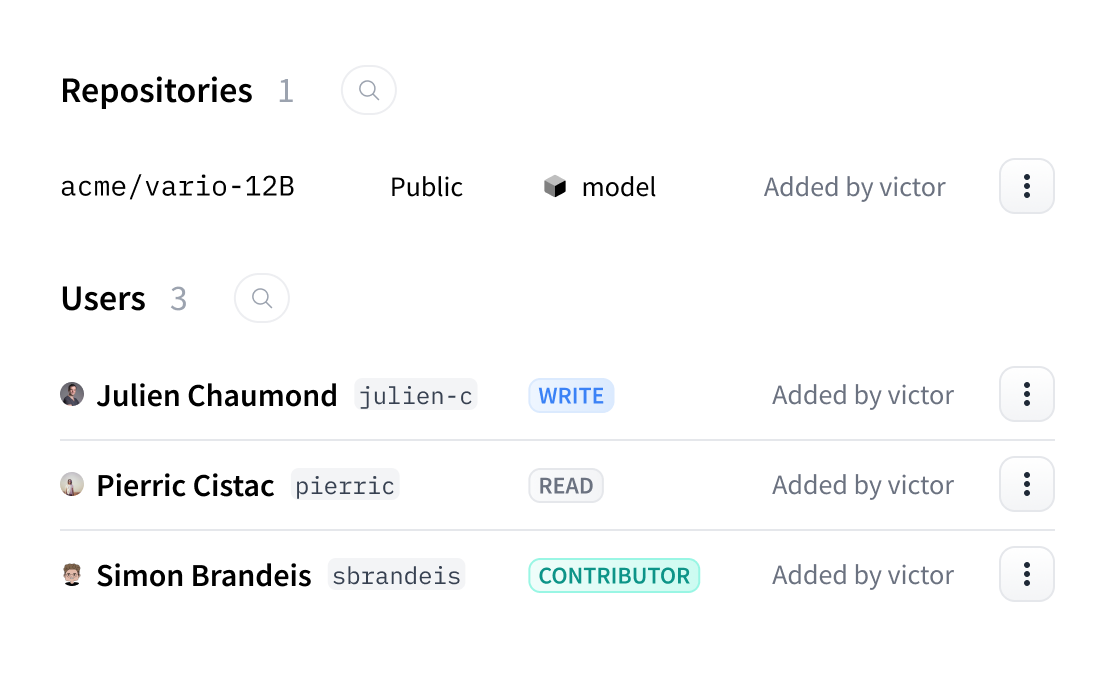
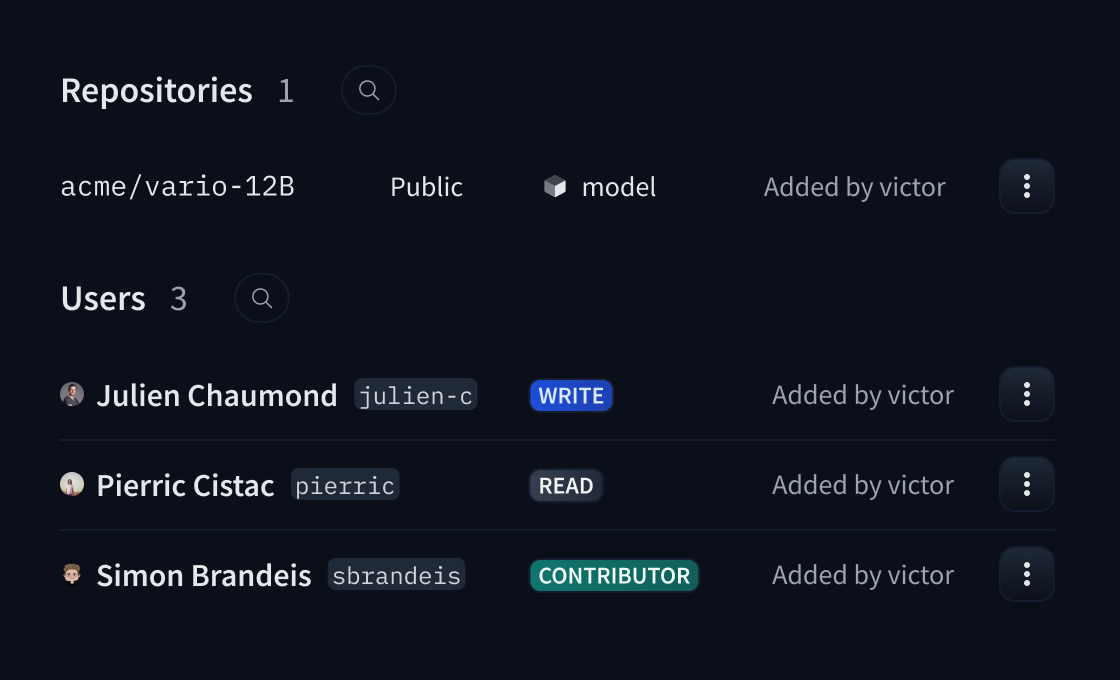 This feature allows organization administrators to:
- Group related repositories together for better organization
- Control member access at a group level rather than individual repository level
- Assign different permission roles (no_access, read, contributor, write, admin) to team members
- Keep private repositories visible only to authorized group members
- Enable multiple teams to work independently within the same organization
- Configure which member roles are allowed to create new resource groups
This Team & Enterprise feature helps organizations manage complex team structures and maintain proper access control over their repositories.
[Getting started with Resource Groups →](./security-resource-groups)
This feature allows organization administrators to:
- Group related repositories together for better organization
- Control member access at a group level rather than individual repository level
- Assign different permission roles (no_access, read, contributor, write, admin) to team members
- Keep private repositories visible only to authorized group members
- Enable multiple teams to work independently within the same organization
- Configure which member roles are allowed to create new resource groups
This Team & Enterprise feature helps organizations manage complex team structures and maintain proper access control over their repositories.
[Getting started with Resource Groups →](./security-resource-groups)